This my second Post in a serie called "Why we are building Kwaga"
Searching for the "Answer Later" Button
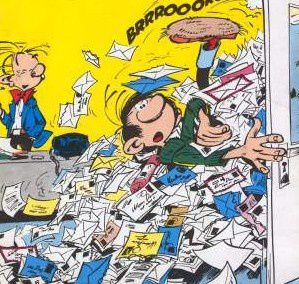
As a Gmail addict, I check my Inbox constantly and I almost always read email sequentially as soon as they arrive, in reverse chronological order (i.e. I read first the most recent mail).
And I do that on whatever device I have: my desktop, my laptop, my iPhone (either with the native mail app or directly through GMail web app) or any connected device.
For each mail that I read, I decide on the spot what I need to do with it: answer immediately, delete it, keep it for later reference or, and this is the worst case, defer it for later action. It's the worst case because to remember that I have something to do with a mail, I have to mark it in some way. I could change it back to unread, but then I will have to remember not to read it again next time I check my mail. If I'm on my desktop or laptop, I can use this wonderful Gmail feature name "Tasks". This will put a reference to my mail in a Task list that I can review, and act upon, later on. Good enough but not perfect because even if I do not answer on the spot, most of the mails that I keep in Tasks just need to be answered. So, once I answer them, they should disappear from the Tasks list.
So my "perfect" mail routine should be just like this:
1. answer on the spot if it's possible;
2. if I have no time to answer now, click on an "Answer Later" button - or maybe mails that "need answering" could be tagged automatically;
3. from time to time, review the "Answer Later" list, safe in the knowledge that as soon as I answer a mail, it will automatically get out of this list.
My clever reader will recognize that there is neither "Answer Later" button nor "Answer Later" list in Gmail. This why we will be adding a button to the Gmail interface to do just that: the "Add To Kwaga" button. Each mail that you mark this way will go to your "ToDo list" (under the MyKwaga button), and will be taken out automatically as soon as you answer.
Even better, mails that contain specific action requests or that are "followed" by their senders will also go automatically in this list.
This should go live in our private beta this week. Tell us what you think!
This is one of my drive in founding Kwaga: get a mail routine as simple but as efficient as possible.


 Articles


